What problem are people actually trying to solve?
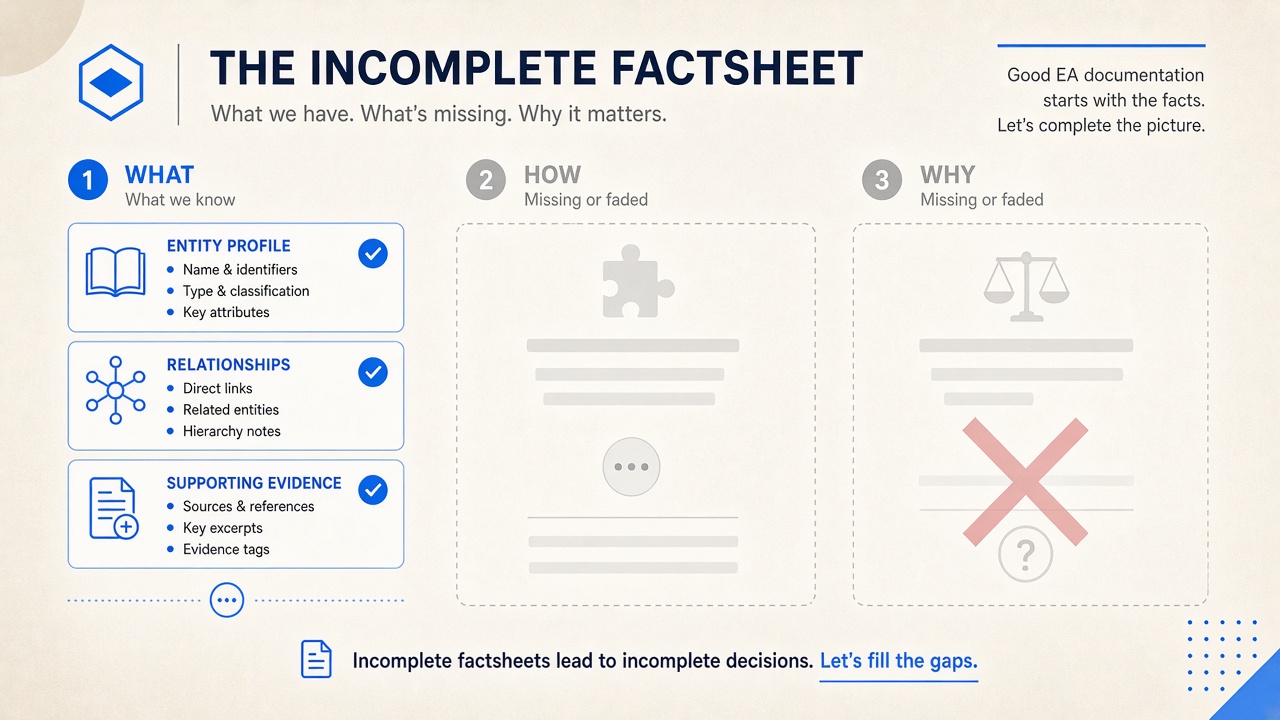
When leaders ask “what happens if we retire this system?” or “why did we integrate this way?”, they are not asking for a factsheet row. They need How the landscape behaves and Why decisions were made — not only What exists in the inventory.
Search and hallway questions sound like: why is our EA tool empty of useful context, where did the architecture rationale go, why do we reinvent discovery every programme. Thin factsheets answer none of those well.
What do EA factsheets capture — and what do they drop?
Classic enterprise architecture factsheets are good at the What: name, type, owner, lifecycle, maybe a capability link. That inventory matters for portfolio views and governance.
They usually drop the layers that make decisions safe:
- How — runtime behaviour, integration patterns, constraints, failure modes, operational realities.
- Why — trade-offs, rejected options, regulatory drivers, historical accidents that became permanent.
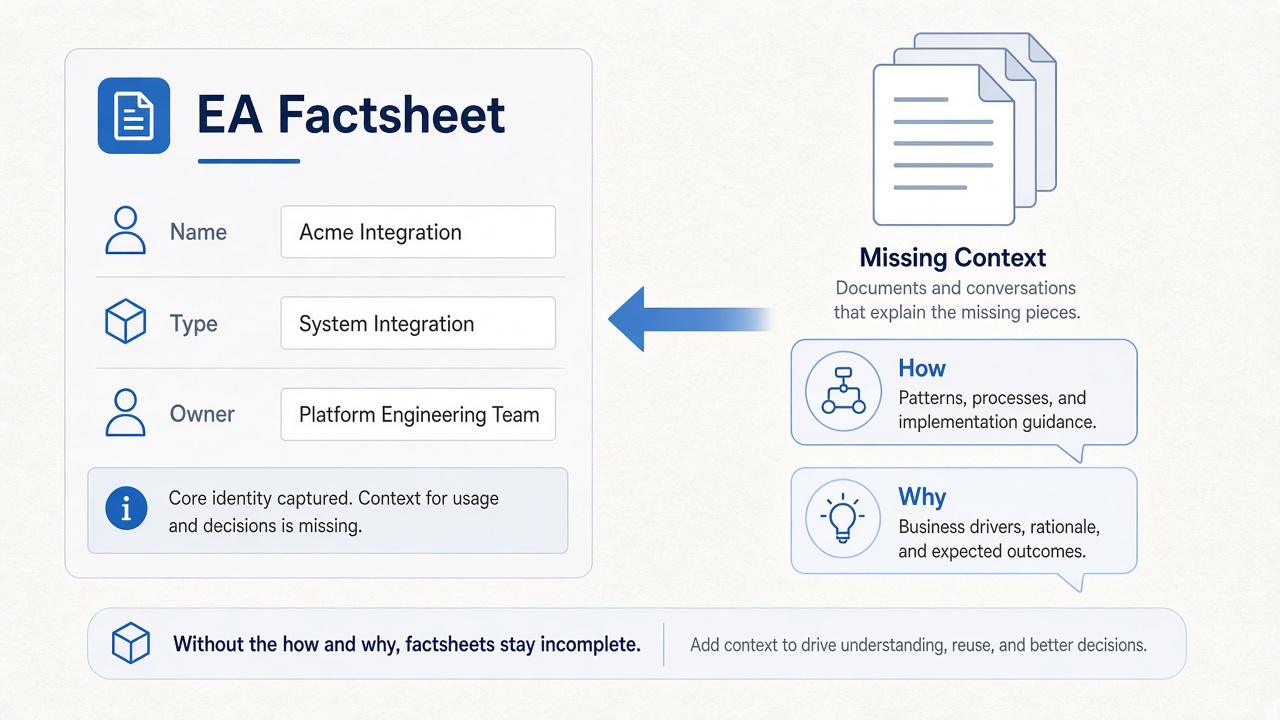
Where does the How and Why go instead?
Into HLDs, workshop decks, Confluence spaces, email threads, meeting transcripts — and a handful of senior heads. The repository stays “complete” on paper while institutional memory lives elsewhere. That is why teams still say “let me check with Dave” even after years of EA tooling.
What should enterprise architecture keep with each entity?
Structured metamodel entities still matter — applications, capabilities, interfaces, technology. Alongside them, keep the evidence and rationale that explain behaviour: curated notes, linked documents, decision history. That is the difference between a hollow inventory and an Architecture Decision Workspace.
How does DecisionPen solve this?
DecisionPen is an Architecture Decision Workspace: metamodel entities stay structured, but How and Why stay attached as curated evidence — not stripped at ingestion.
- Keep evidence with entities — documents, transcripts, and notes bind to applications, interfaces, and capabilities so rationale is queryable, not buried in SharePoint.
- Incremental capture — ingest HLDs and meetings; the agent proposes metamodel updates; humans curate (incremental modelling).
- Ask with citations — Enterprise Ask answers blast-radius and “why was this designed this way?” from the living map plus evidence, not a thin factsheet row.
Start a free trial with a system of interest and the documents you already have — the point is a useful context slice in days, not another empty inventory.
When is DecisionPen not the right tool?
If your primary need is drawing BPMN or freeform architecture diagrams in Visio or Lucidchart, use those tools. DecisionPen generates diagram images from curated context; it is not a diagramming canvas.